
1 Followed
296 Follower

Adrian_chupi
Admin

Aug 13, 2023

3,136 Mesaj

8,624 Reaction

0 Solution

113

First Message

100 Messages

500 Message

1K Message

No reward!
[FREE] [ESX] COII Multicharacter - Cinematic Character Selection
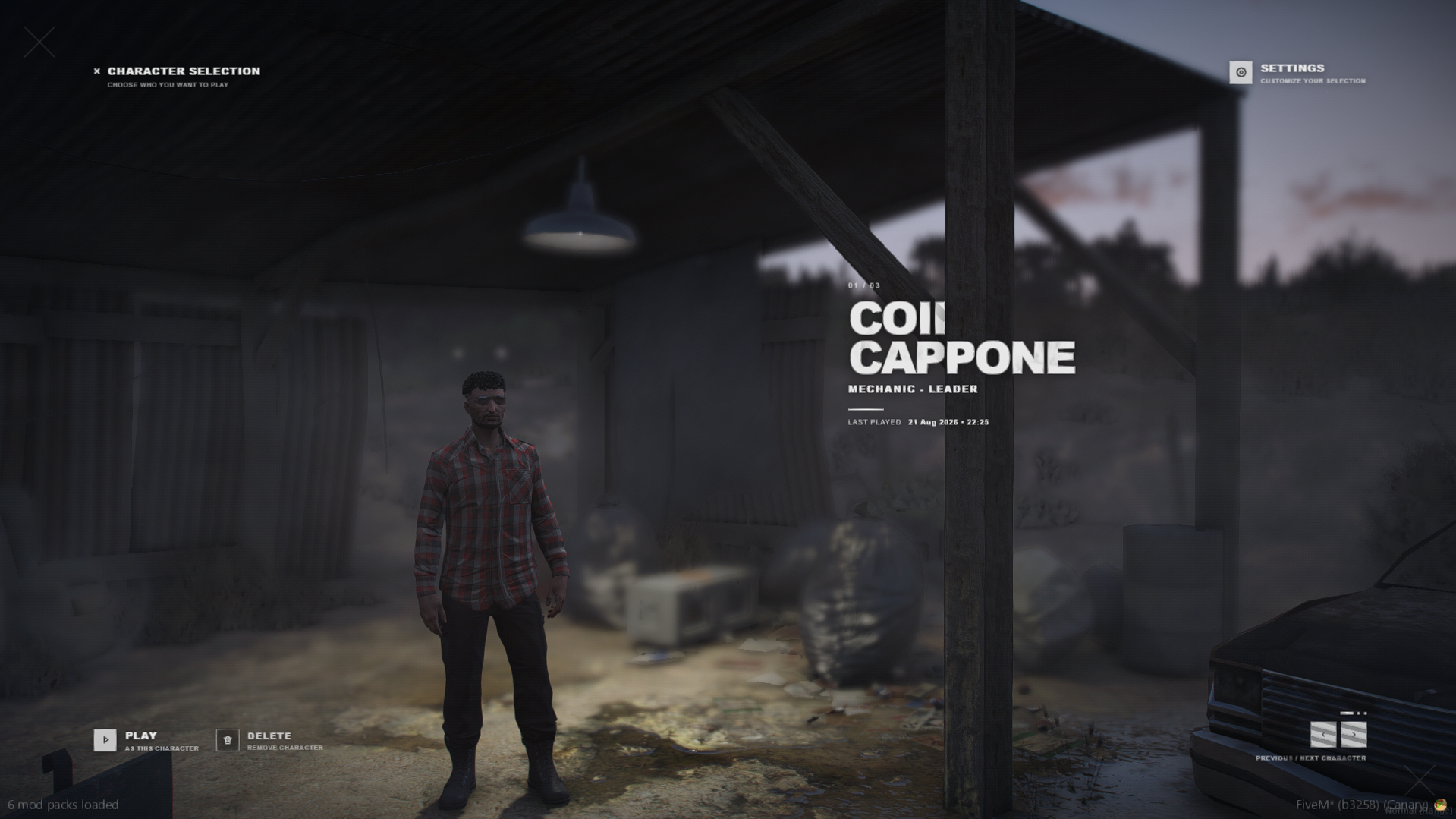
A modern and cinematic multicharacter replacement for ESX Legacy.COII Multicharacter provides configurable character preview scenes, persistent player settings, custom interface themes, multiple languages, local music, paid-slot support and secure character deletion.
Features
- Cinematic character preview system
- Multiple configurable preview locations
- Smooth character fade and focus-rack transitions
- Depth-of-field and camera-breathing effects
- Configurable character animations
- Optional time and weather selection
- Local NPC and vehicle suppression
- Character name, job grade and last-played date
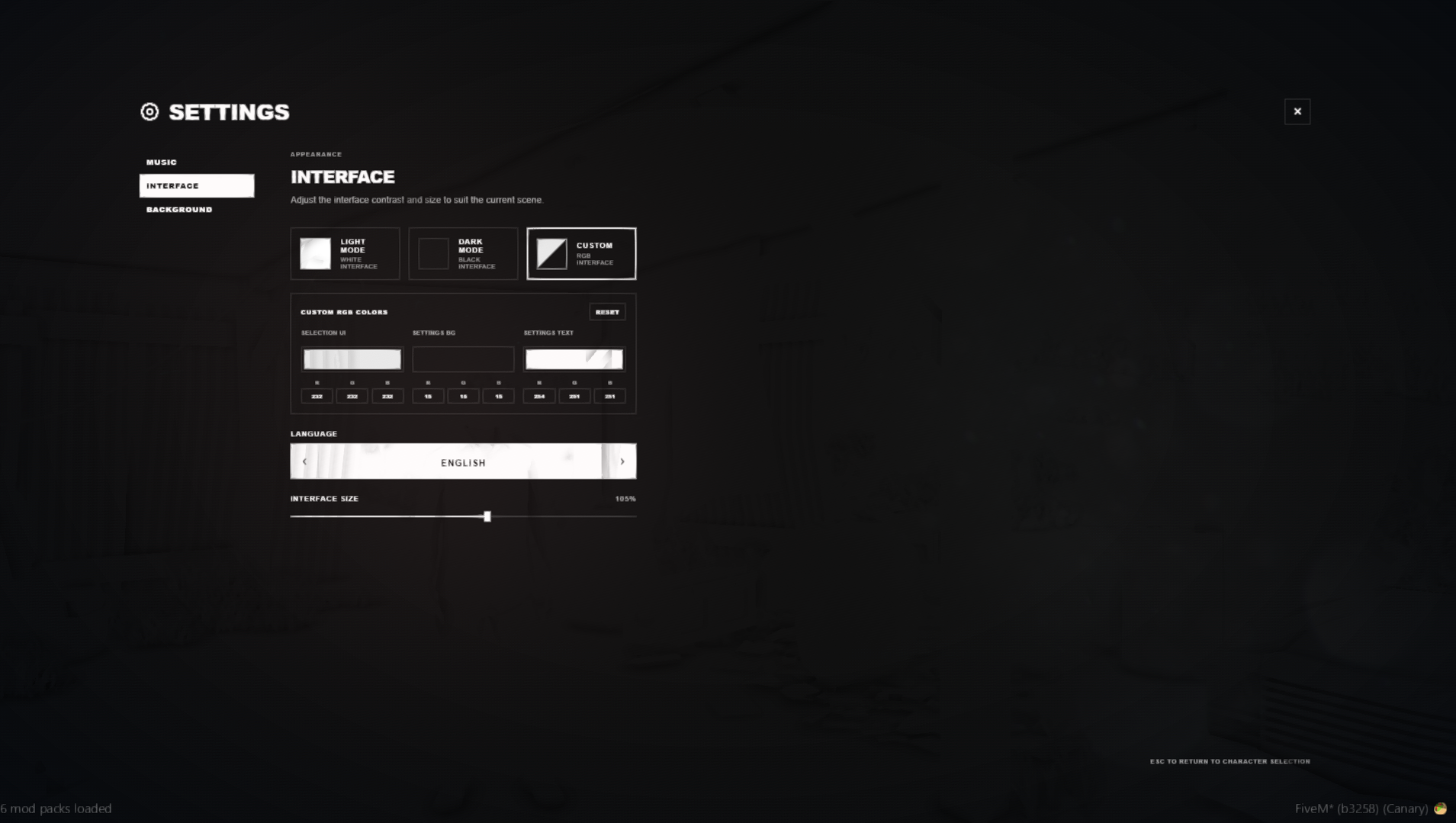
- Light, dark and custom RGB themes
- Adjustable interface size
- Persistent player preferences
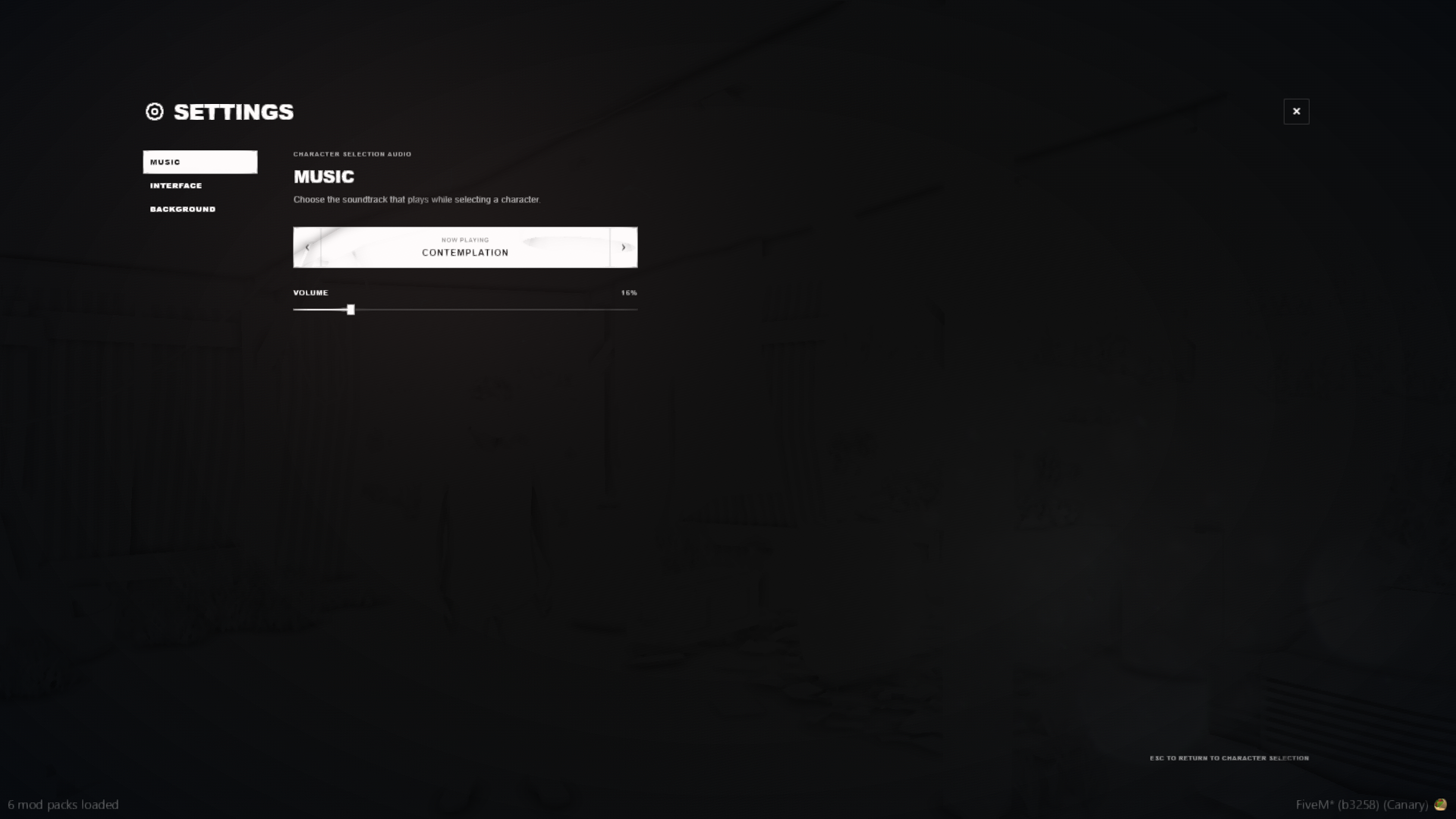
- Local MP3 music selector and volume control
- Character deletion with a 15-second confirmation timer
- Free, paid, locked, empty and disabled character slots
- Configurable Store, website or Discord URL
- English, Croatian, German, Slovenian and French locales
- Server-side character ownership and slot validation
- Automatic database migration
- /relog support
Preview Locations
The included locations are:- Morgue
- Penthouse
- Mount Chiliad
- Sandy Shores Desert
- Forest
- Los Santos Pier
Interface Customization
Players can customize:- Interface language
- Light, dark or custom theme
- UI and settings colors
- Interface size
- Character selection music
- Music volume
- Preview location
- Character animation
- Weather and time, when enabled
Paid Character Slots
The resource supports configurable free and paid character slots.Locked slots display a Buy Slot button which can open:
- A Tebex page
- Your website
- A Discord invitation
- Any configured HTTPS link
/grantslot [serverId or identifier] [amount]
/revokeslot [serverId or identifier] [amount]
Installation
- Back up your server files and database.
- Remove or rename the original esx_multicharacter.
- Download this resource.
- Place it inside your server’s resources directory.
- Name the folder exactly esx_multicharacter.
- Configure config.lua.
- Keep Config.AutoMigrate = true, or manually import install.sql.
- Ensure all dependencies start before this resource.
Download
Link hidden for visitors. To see,
Log in or register now.
[DOWNLOAD]